Shopify Shipping Calculator: How to Set Up Live Shipping Rates

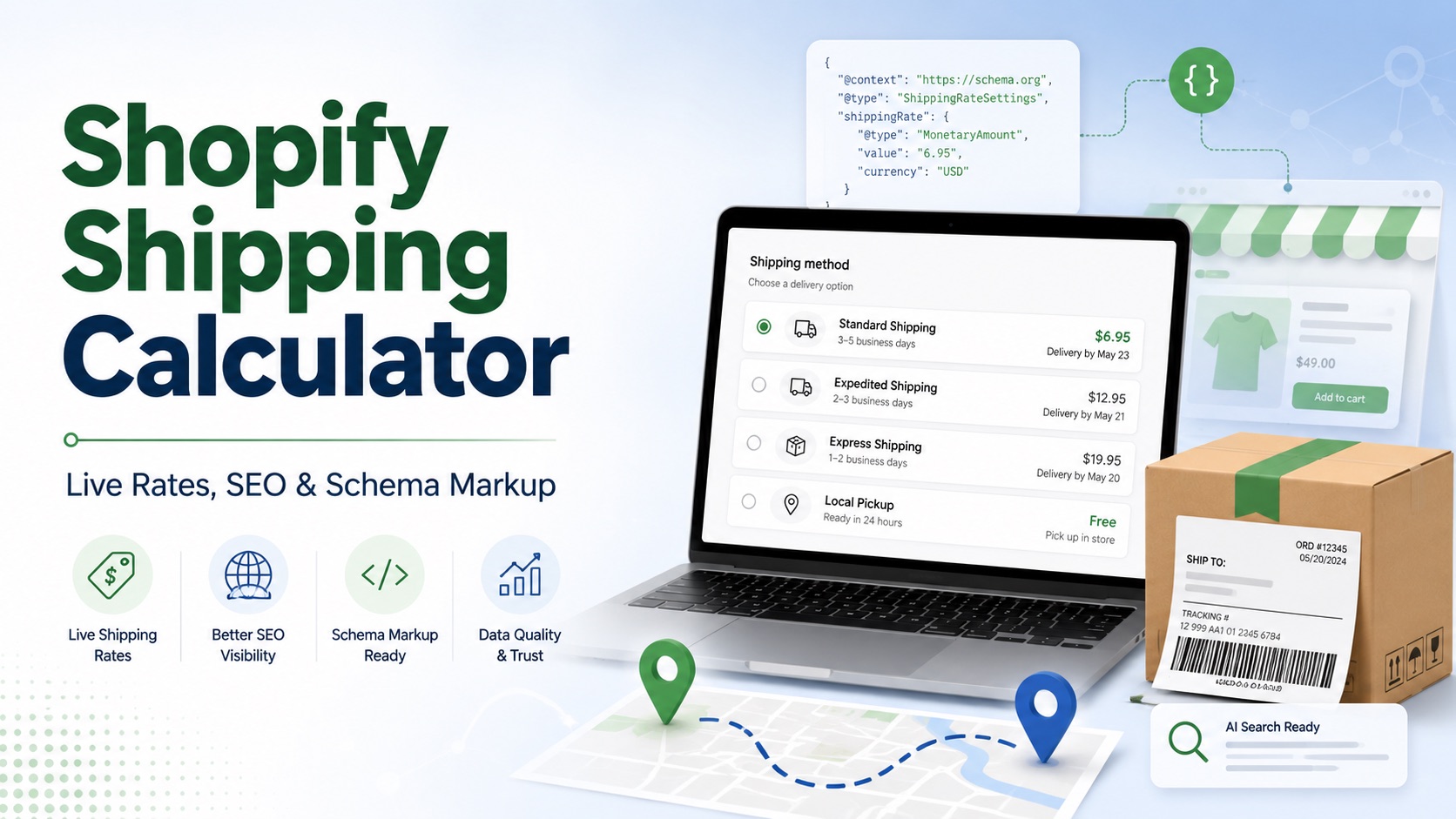
Shipping costs are one of those parts of ecommerce that seem simple until you actually have to configure them.
Charge too little, and you may end up covering part of the shipping cost yourself. Charge too much and customers may reconsider their purchase when they reach checkout.
A Shopify shipping calculator can help by calculating shipping rates using information such as the customer's destination, package weight, dimensions, shipping service, and carrier.
Accurate shipping information is also increasingly relevant beyond checkout. Search engines can use structured shipping data to understand things like delivery areas, shipping costs, and expected delivery times.
In this guide, we'll explain how Shopify shipping calculations work, the options available to merchants, when live rates make sense, and why getting this information right can also matter for SEO and Schema Markup.
Collaboration disclosure: This article was created in collaboration with PluginHive, the team behind several Shopify shipping solutions. PluginHive suggested the topic and contributed shipping expertise, while IndexGPT independently edited and expanded the article to make it useful to Shopify merchants regardless of which shipping solution they use.
What Is a Shopify Shipping Calculator?
A Shopify shipping calculator determines how much a customer should pay for shipping based on the details of an order.
Depending on the setup, the calculation may consider:
- Package or order weight
- Package dimensions
- Shipping origin
- Customer destination
- Shipping zone
- Carrier
- Service level
- Negotiated carrier rates
For example, shipping a small product locally can cost considerably less than shipping a large package internationally.
Instead of charging both customers the same amount, calculated shipping can return different rates based on the characteristics of the actual shipment.
Live Rates vs. Flat Rates vs. Free Shipping
Live carrier rates are only one way to handle shipping on Shopify.
Flat-rate shipping
You charge a predetermined amount, such as $5 or $10, regardless of the exact carrier cost.
Flat rates are simple and predictable and can work particularly well when most orders have similar weights, sizes, and destinations.
The disadvantage is that the amount collected won't always match what the carrier eventually charges.
Free shipping
You absorb the shipping cost yourself, normally by incorporating some or all of it into product pricing or requiring a minimum order value.
This creates a simple proposition for customers, but the economics need to work with your margins.
Live carrier-calculated shipping
The shipping price is calculated based on the actual order and rates provided by the carrier or shipping service.
This can be useful for stores that:
- Sell products with significantly different weights or dimensions
- Ship internationally
- Offer several delivery services
- Sell heavy or bulky products
- Have negotiated rates with carriers
- Want customers to choose between standard and express shipping
There isn't one shipping model that works best for every store.
A merchant selling similarly sized products within one country may be perfectly fine using flat-rate shipping. A business shipping large products worldwide may benefit considerably more from live calculations.
How Do Live Shipping Rates Work?
The process normally happens automatically during checkout.
- The customer enters their delivery address.
- Shopify identifies the products and applicable shipping profile.
- The relevant shipment information is sent to the configured carrier or shipping service.
- Available services and rates are returned.
- The customer sees the available shipping options at checkout.
The accuracy of that result depends heavily on the information configured in the store.
Incorrect weights, packaging information, origins, shipping zones, or carrier settings can result in incorrect rates.
Do You Need a Shipping App?
Not necessarily.
Shopify already includes several shipping capabilities, depending on your plan, country, carriers, and configuration.
A third-party shipping app becomes more useful when a store needs functionality beyond its existing setup, such as:
- Connecting several carriers through one system
- Advanced packaging rules
- Specific carrier integrations
- More complex shipping logic
- Shipping label generation
- Automated fulfillment workflows
- Additional international shipping functionality
Before installing another app, it's worth defining exactly what problem you're trying to solve.
More functionality doesn't automatically mean a better shipping setup.
Shopify Plan Requirements
Availability of carrier-calculated shipping depends partly on your Shopify plan.
Shopify currently includes third-party carrier-calculated shipping with Advanced and Plus plans. Stores on Grow can also access it under certain billing arrangements.
Because Shopify occasionally changes plan features and requirements, merchants should check their current plan before choosing a carrier or third-party shipping setup.
How to Set Up Live Shipping Rates on Shopify
The exact setup varies depending on your carrier and whether you're using Shopify's native functionality or another service, but the underlying process is similar.
1. Define Your Shipping Requirements
Before configuring anything, determine:
- Where you ship from
- Which countries or regions you ship to
- Which carriers you use
- Whether you need one or several carriers
- Which delivery speeds you want to offer
- Whether you have negotiated carrier rates
- Whether your products vary significantly in size or weight
This helps you choose the simplest system that actually meets your requirements.
2. Check Product Weights
Make sure your Shopify products contain accurate weights.
Small inaccuracies can become more significant when customers order several units together.
Pay particular attention to extremely light, heavy, or unusually shaped products.
3. Configure Your Packages
Package dimensions can significantly affect shipping prices because many carriers use dimensional weight when calculating rates.
Your configured packages should therefore resemble the packaging you actually use.
If you regularly use several very different box sizes, check whether your shipping setup can account for those differences.
4. Configure Shipping Origins and Zones
Your shipping origin should represent where orders are actually dispatched from.
Then define the regions your store ships to and which shipping methods apply to each one.
For example, a store could have separate configurations for:
- Domestic shipping
- Nearby countries
- Regional shipping
- Worldwide shipping
You don't necessarily need to make every shipping method available in every market.
5. Connect Your Carrier or Shipping Service
If you're using live calculations, connect the carrier account or shipping service responsible for providing the rates.
Stores with negotiated carrier contracts may also be able to display those negotiated rates instead of standard retail prices.
6. Choose Which Services Customers See
More choices aren't necessarily better.
If a carrier offers ten different shipping services but your customers realistically only need economy, standard, and express, showing all ten can make checkout unnecessarily complicated.
Only display services you can reliably fulfil and that provide meaningful choices to customers.
7. Configure Shipping Profiles
Shopify shipping profiles determine which products and destinations use particular shipping rates.
A carrier connection can work correctly while still failing to appear for customers if it isn't assigned to the relevant shipping profile.
This becomes particularly important for stores with products that require different fulfillment methods.
8. Consider Backup Rates
Live shipping calculations depend on an external service successfully returning a rate.
For stores where the absence of a shipping option could prevent a customer from completing their purchase, configuring a sensible backup rate can provide an additional layer of protection.
9. Test Everything
Don't assume a shipping calculation is correct just because a price appears.
Test different combinations, including:
- A nearby address
- A distant domestic address
- An international address
- A small order
- A large order
- A heavy product
- Multiple products
- Express shipping
Compare what customers see with what you would realistically expect to pay.
Third-Party Shipping Solutions
Some merchants eventually need functionality that isn't covered by their existing Shopify shipping setup.
There are many third-party solutions available, so the right one depends on your carriers, fulfillment process, shipping volume, and technical requirements.
As part of the collaboration behind this article, PluginHive provides tools for Shopify merchants who require carrier integrations and more advanced shipping functionality, including its PH MultiCarrier Shipping Label App .
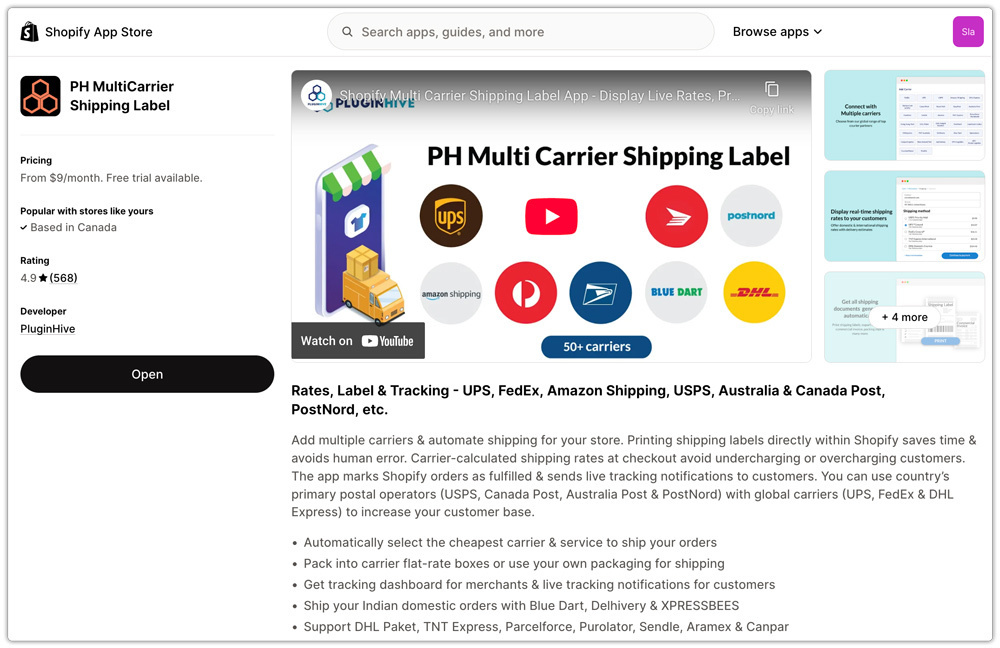
This is one possible approach rather than a requirement. Shopify's own tools or other shipping providers may be more appropriate depending on how a particular store operates.
The important part is selecting a system that produces accurate rates and reflects how your business actually ships orders.
Why Accurate Shipping Information Matters for SEO and Schema Markup
This is where shipping starts to overlap with technical and AI SEO.
A shipping calculator itself isn't an SEO tactic. Installing one won't automatically improve rankings or make an ecommerce store appear in AI recommendations.
However, the shipping information produced by your store is data that search engines can understand and use.
Google supports structured data specifically for merchant shipping policies.
A store can use ShippingService structured data to describe its overall shipping policy, including information such as:
- Shipping destinations
- Shipping costs
- Delivery times
- Weight or dimensional conditions
- Different shipping conditions for different regions
For product-specific situations, shipping information can also be included within an Offer using OfferShippingDetails.
Google can use this information to display shipping information alongside products and within merchant experiences in Search.
Your Schema Markup Is Only as Good as the Data Behind It
This creates an important connection between your operational shipping setup and your SEO setup.
Imagine your store actually charges:
$12 shipping to the United States
but your Schema Markup says:
$5 shipping to the United States
Your markup may technically be valid JSON-LD, but the information itself is wrong.
The same problem can occur with:
- Shipping destinations
- Free-shipping thresholds
- Delivery times
- Different rates by country
- Product-specific shipping rules
Good Schema Markup shouldn't simply exist. It should accurately represent the information customers receive when they use the store.
This means getting shipping rates and policies right operationally can also help ensure your structured data remains reliable.
Why This Matters for AI SEO
AI SEO is largely about making a business and its products easier for machines to discover, interpret, and understand.
Structured data is one of the clearest ways of providing that information in a machine-readable format.
Shipping information is only one part of the picture.
For an ecommerce store, useful structured information can include:
- Product name
- Description
- Brand
- Price
- Availability
- Reviews
- Shipping costs
- Shipping destinations
- Delivery estimates
- Return policies
Search engines such as Google explicitly use structured merchant information in product and shopping experiences.
That doesn't mean adding shipping Schema Markup guarantees greater visibility. Google doesn't guarantee that correctly implemented structured data will produce an enhanced search result.
The objective is simpler: give machines accurate, consistent information about how your store operates.
For merchants working on AI SEO, that is generally much more valuable than simply adding more markup for the sake of having it.
Common Problems With Shopify Shipping Calculations
If rates aren't appearing correctly, check these areas first.
Missing or incorrect weights
Products with incorrect weights can produce incorrect quotes, especially when several products are combined.
Incorrect package configuration
The package used in the calculation should reasonably represent the package you'll actually ship.
Incorrect shipping origin
Rates can vary substantially depending on where the shipment begins.
Missing destinations
Make sure the customer's country or region is included within an active shipping zone.
Carrier connection problems
Expired credentials, incorrect account configuration, or connection problems can prevent rates from being returned.
Shipping profile configuration
A shipping service may be configured correctly but still fail to appear if it isn't associated with the relevant products.
Unsupported plan or feature
Check whether your current Shopify plan supports the shipping functionality you're trying to use.
Which Shipping Method Should You Choose?
For most merchants, the simplest setup that reliably reflects their actual costs is a good starting point.
Consider flat-rate shipping if:
- Your orders are relatively consistent
- Shipping costs don't vary dramatically
- You want a very simple checkout experience
Consider free shipping if:
- Your margins can support it
- You can incorporate shipping into your pricing
- You want a simple customer proposition
Consider live carrier rates if:
- Shipping costs vary significantly
- You sell large or heavy products
- You ship internationally
- You offer several delivery speeds
- You have negotiated carrier rates
- Accurate order-specific pricing is operationally important
And consider a third-party app when your requirements genuinely go beyond what your existing Shopify setup can handle.
Conclusion
A Shopify shipping calculator can help merchants make checkout pricing more closely reflect the real cost and characteristics of each shipment.
But the first priority should always be getting the underlying information right: product weights, packaging, shipping destinations, service levels, and rates.
That accuracy matters to customers at checkout, but it can also matter elsewhere.
Search engines increasingly consume structured merchant information about products, prices, availability, returns, and shipping. If that information is represented through Schema Markup, it should reflect what the customer will actually experience.
For merchants working on SEO and AI visibility, that's the bigger lesson: accurate data first, machine-readable data second.
FAQs
Can Shopify calculate shipping automatically?
Yes. Shopify supports several approaches to shipping, including price-based rates, weight-based rates, free shipping, and eligible carrier-calculated rates.
Do I need a shipping app on Shopify?
No. Many merchants can handle shipping using Shopify's existing features. Third-party tools become useful when you need additional carrier integrations, advanced shipping rules, packaging functionality, labels, tracking, or fulfillment automation.
Can Shopify display live carrier rates?
Yes, depending on your Shopify plan, carrier, country, and configuration.
Can I use multiple carriers?
Yes. Stores can configure multiple shipping options or use services capable of managing several carriers. Whether this is useful depends on the complexity of your shipping operation.
What information is important for accurate shipping calculations?
Typically, the most important information includes your shipping origin, destination, product weight, package details, carrier configuration, selected services, and shipping profiles.
Does shipping affect SEO?
Having cheaper shipping doesn't automatically improve organic rankings. However, Google supports structured data for shipping policies and product-level shipping information, meaning accurate shipping data can become part of the machine-readable information search engines use to understand and present your products.
What shipping Schema Markup does Google support?
Google supports merchant-level shipping policies using ShippingService under Organization structured data. For products with specific shipping conditions, merchants can use OfferShippingDetails within an Offer. The information can describe shipping prices, eligible destinations, delivery times, and other shipping conditions.
Is Your Store's Data Ready for AI Search?
IndexGPT helps Shopify merchants publish accurate, machine-readable information so their products get found and recommended by AI.
Start Free Trial