- Guide
- Query Fan-out
- ChatGPT
Query Fan-out: Seeing exactly what ChatGPT searches before it recommends a store
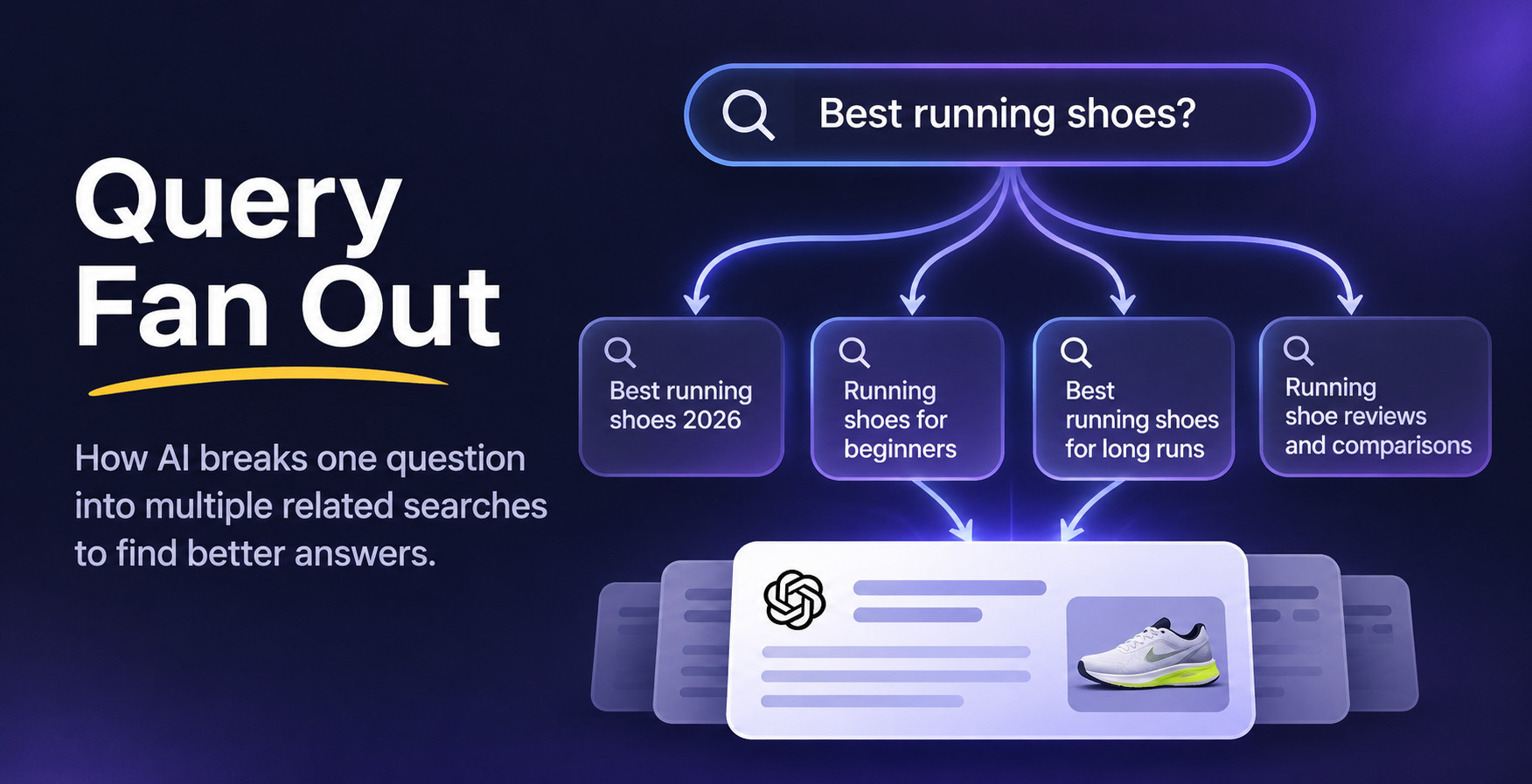
When ChatGPT searches the web to answer a shopper, it doesn't run one search. It runs several, reads the pages it finds, and builds its answer from them. Query Fan-out shows you every one of those searches and pages, so you know exactly where your store needs to show up.

First, two ways ChatGPT can answer
ChatGPT doesn't always go to the web. Sometimes it answers from what it already learned during training. Other times it searches the web first and answers from what it finds. That second way has a technical name, RAG (retrieval-augmented generation), which simply means "look things up, then answer".
Query fan-out only happens with RAG. When ChatGPT answers from memory, there are no searches and no pages to influence. When it searches, the pages it reads decide which brands make it into the answer, and that is where your store can win.
Answers from what it already knows
- Shopper's question
- What ChatGPT learned in training
- Answer
No searches, so no fan-out. Typical for general knowledge, such as "How do I make yogurt cake?"
Searches the web, then answers
- Shopper's question
- Several searches (the fan-out)
- Pages it reads: forums, articles, reviews, marketplaces
- Answer, with the brands those pages recommend
Typical for shopping questions, such as "What are the best surfboards for beginners?"
Which questions make ChatGPT search?
As a rule of thumb, ChatGPT searches when the answer depends on current or specific information. These are the patterns we see most often.
| Kind of question | Usually searches? | Example |
|---|---|---|
| Product recommendations | Yes | "Best surfboards for beginners" |
| Comparisons | Yes | "Foam vs epoxy surfboard" |
| Prices and where to buy | Yes | "Where can I buy a wetsuit under $200?" |
| Reviews and ratings | Yes | "Is this brand any good?" |
| Anything recent | Yes | "Best surf brands in 2026" |
| General knowledge and how-to | Often not | "How do you wax a surfboard?" |
| Recipes, definitions, history | Often not | "Give me a recipe for yogurt cake" |
The good news for stores: the questions shoppers ask before buying are exactly the ones that make ChatGPT search.
One question, many searches
Imagine a shopper asks: "What are the best surfboards for beginners?" Before answering, ChatGPT looks up beginner board sizes, recent reviews, prices and the brands people recommend on forums. Each search brings back a handful of pages. This spreading out of one question into many searches is called query fan-out. If your store isn't on those pages, ChatGPT has no reason to mention you.
What Query Fan-out does
You type a question your customers might ask ChatGPT. A minute or two later you get a clear report:
- ChatGPT's answer, and whether it named your store.
- Every search ChatGPT ran, grouped by what it was looking for, such as reviews, prices or comparisons.
- Every page it found, sorted into forums, articles, review sites, marketplaces and brand sites, with a green tag on the ones that already mention you.
- Who shows up: how many of those pages name each competitor, next to how many name you.
- An action plan with specific things to do, each one linked to the exact pages it's about.
How it works
- Step 1
We ask ChatGPT
Your question goes to ChatGPT with web search turned on, and we record every search it makes.
- Step 2
We read the pages
We open the pages it found and check which ones mention your store and your competitors.
- Step 3
You get a plan
We turn what we found into a short list of actions, starting with the pages where you can make the biggest difference.
Where ChatGPT's pages come from
The pages behind a shopping answer are rarely the stores themselves. Most of them are conversations, reviews and lists written by other people. That is why showing up there matters as much as your own website.
Pages found for "best surfboards for beginners", by type
Who shows up, and who doesn't
Query Fan-out reads the pages and counts which brands they name. This is often the most eye-opening part of the report: a few competitors appear again and again, and that repetition is why ChatGPT recommends them.
Pages that name each brand, out of 29 pages read
What you can fix once you have the analysis
This is where Query Fan-out pays off. Because you can see the exact pages ChatGPT relies on, you know exactly where to show up. Here is the action plan at a glance, followed by the details.
| Action | Where | Effort | Why it works |
|---|---|---|---|
| Reply in the threads ChatGPT reads | Reddit, forums | Low | ChatGPT trusts real conversations |
| Get added to "best of" lists | Roundup articles | Medium | Lists are among its favorite sources |
| Earn a review and a backlink | Review sites | Medium | A trusted page that names you |
| Get listed where it compares prices | Marketplaces | Medium | It checks prices and ratings there |
| Create the page it looked for | Your store | Medium | Answers its searches directly |
| Add the details it searched for | Product pages | Low | Prices, sizes and specs it can quote |
Join the Reddit threads ChatGPT reads
ForumsWhen ChatGPT finds Reddit or forum threads where people ask for recommendations, those threads shape its answer. The plan lists each thread, so you can reply with a genuinely helpful answer that mentions your products, say that you work for the brand, and follow each community's rules.
Example: ChatGPT read 6 threads on r/surfing about beginner boards. Two recommend a competitor and none mention you. Each thread is one reply away from including your store.
Get added to the "best of" lists
ArticlesRoundup articles like "The 10 best beginner surfboards" are among ChatGPT's favorite sources. The plan points you to the ones that list your competitors but not you, so you can contact the author and ask to be added. Offer something concrete, such as a sample, a discount for their readers or an expert quote.
Example: 8 roundup articles name the same three brands. Getting onto even two of them puts your store in front of ChatGPT the next time someone asks.
Earn a mention and a backlink on review sites
Review sitesWhen ChatGPT searches for "reviews" or "ratings", it reads independent review sites. Getting reviewed there, or collecting customer reviews on the platforms it checked, gives ChatGPT a trusted page that names your store, plus a backlink that also helps your regular SEO.
Example: ChatGPT checked two gear review sites that compare surfboards by price. Sending them a board to test is the most direct way into that comparison.
Get listed on the marketplaces it checks
MarketplacesSometimes ChatGPT searches marketplaces or directories directly to compare prices and ratings. If it keeps landing on a marketplace where you don't sell yet, the plan tells you, so you can decide whether a listing there is worth it.
Example: 3 of ChatGPT's searches went to a marketplace category page where your competitors are listed with prices and star ratings.
Create the page ChatGPT went looking for
Your storeIf ChatGPT keeps searching for a comparison, a size guide or answers to common questions, and your store doesn't have that page, write it. The plan names the page and the searches it should answer.
Example: ChatGPT ran 4 searches comparing foam and epoxy boards. A clear comparison page on your store answers all of them.
Add the details it searched for
Product pagesChatGPT often searches for exact facts: prices, sizes, materials, weight limits, the current year. When those details are missing from your product pages, it picks a competitor whose pages state them. The plan lists the terms to add.
What a report looks like
"What are the best surfboards for beginners?"
Top of the action plan: reply in 6 Reddit threads, get added to 8 roundup articles, and publish a foam vs epoxy comparison page.
Example figures for illustration. Your report uses your own question and your own store.
Good to know
- Write the question the way a shopper would. "What are the best surfboards for beginners?" works much better than "surfboards".
- Fan-out only happens when ChatGPT searches the web (RAG). If it answers from memory, the report says so and shows no searches, because there were none to analyze.
- Results change over time. The pages ChatGPT finds change as the web changes, so it's worth running your most important questions again every few weeks.
- Your previous analyses are saved, so you can come back to an action plan and work through it at your own pace.
Find out where ChatGPT looks for your products
Query Fan-out is part of IndexGPT Premium. Open IndexGPT in your Shopify admin, go to Tools, and choose Query Fan-out to analyze your first question.